Complete SBCs
in one click.
FC Helper auto-solves Squad Building Challenges — finds the cheapest squad from your club, fills every slot, and shows market prices. Free for Chrome and Firefox.
Everything you need.
Free and premium tools for SBCs, packs, and market management.
SBC Solving
Auto-complete any Squad Building Challenge
Core Solver
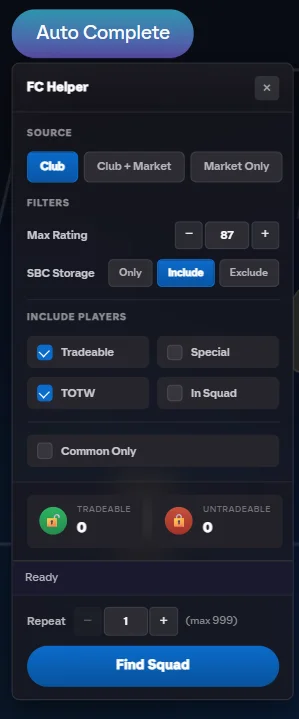
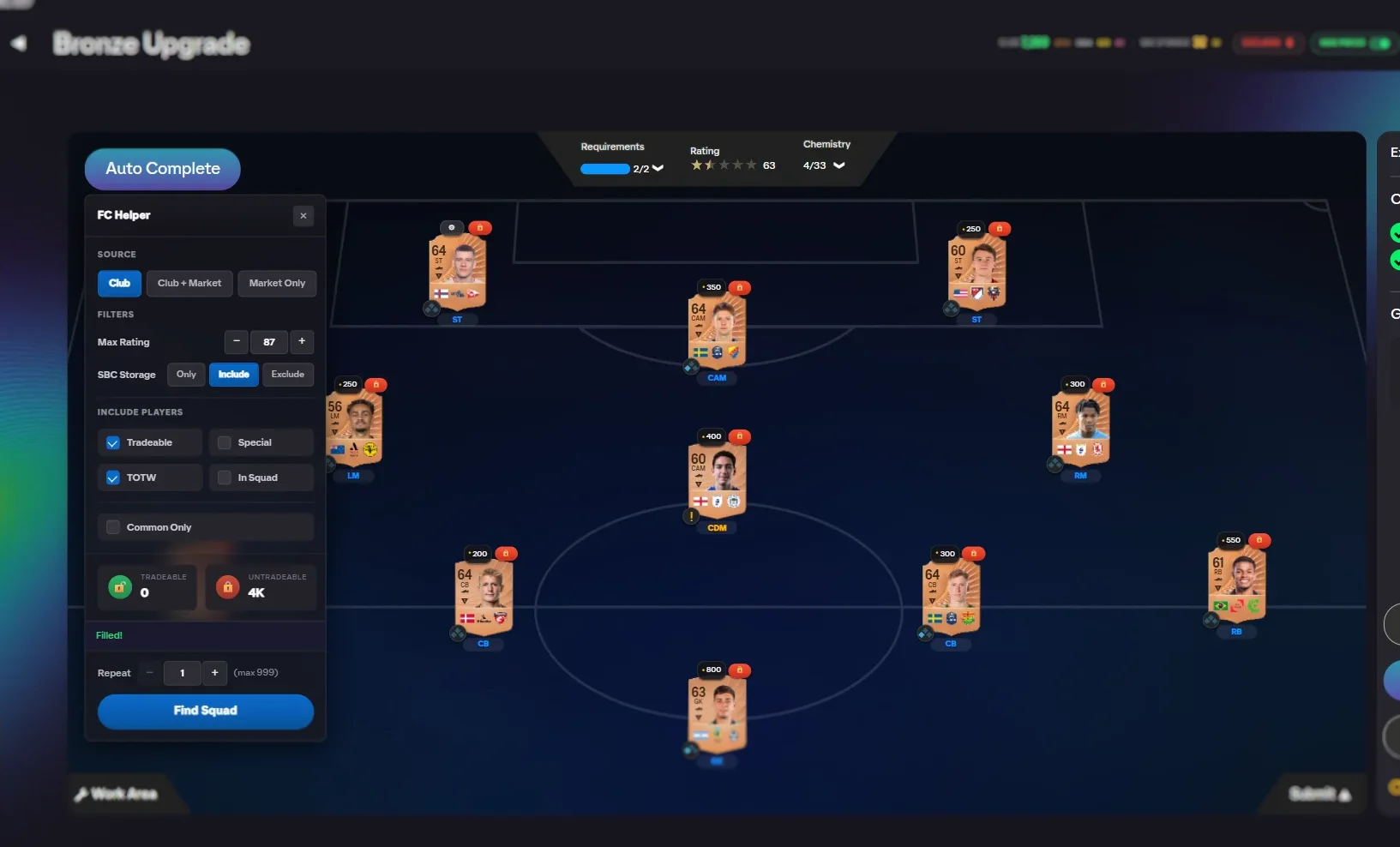
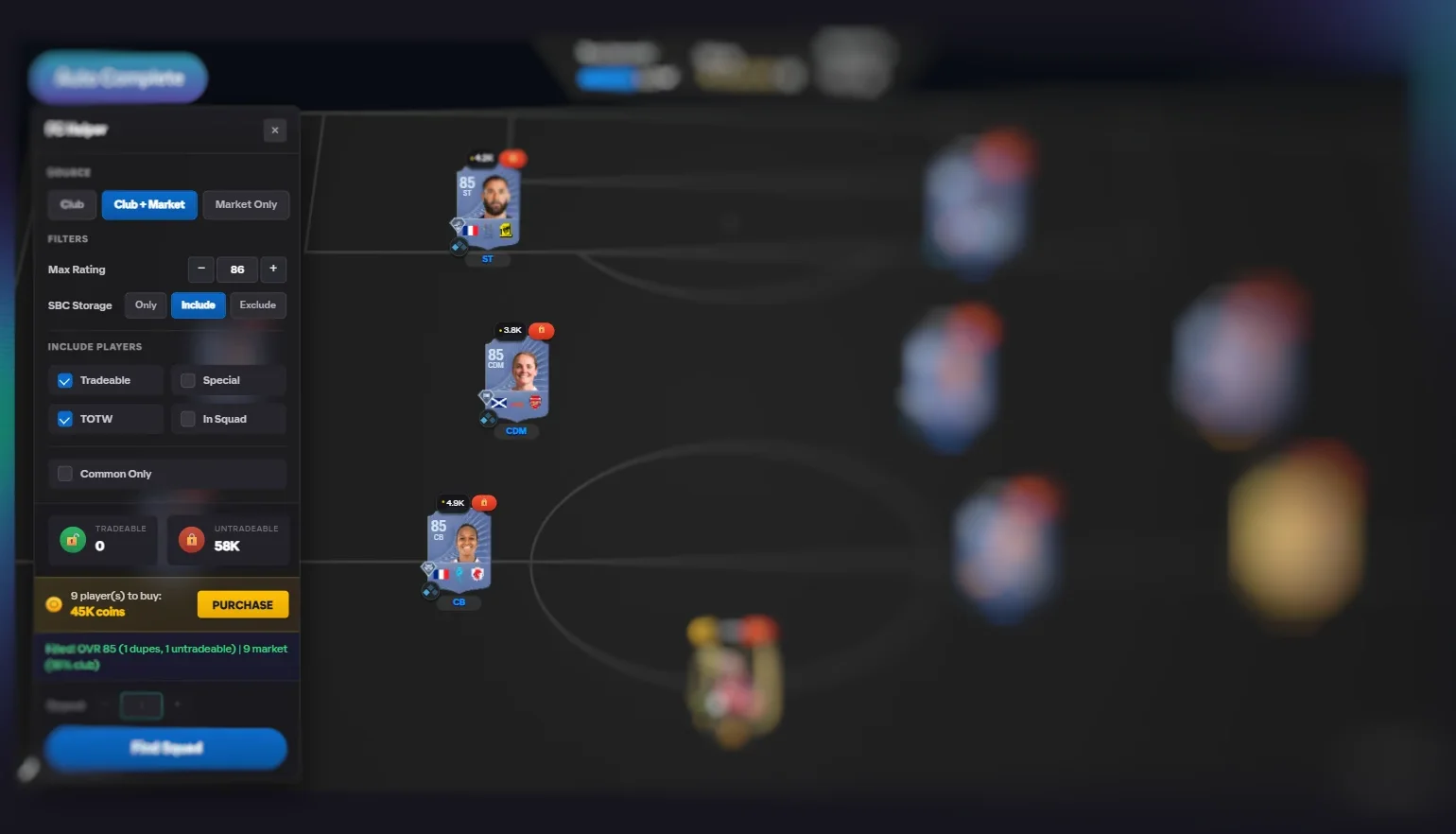
One-click solve with configuration panel and detailed results.
Batch, Set & Market
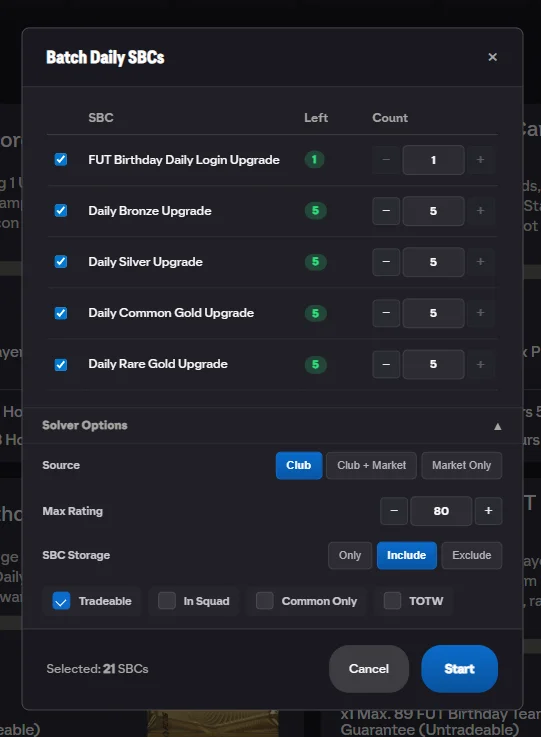
Batch dailies, solve sets, repeat challenges, purchase concept players.
Pack Management
Automate pack opening and item management
Smart Pack Controls
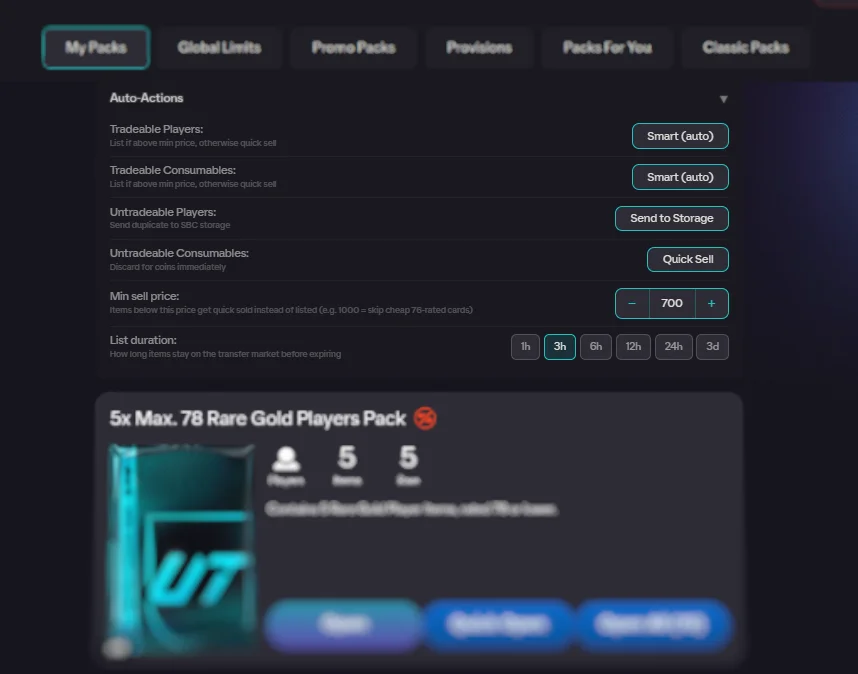
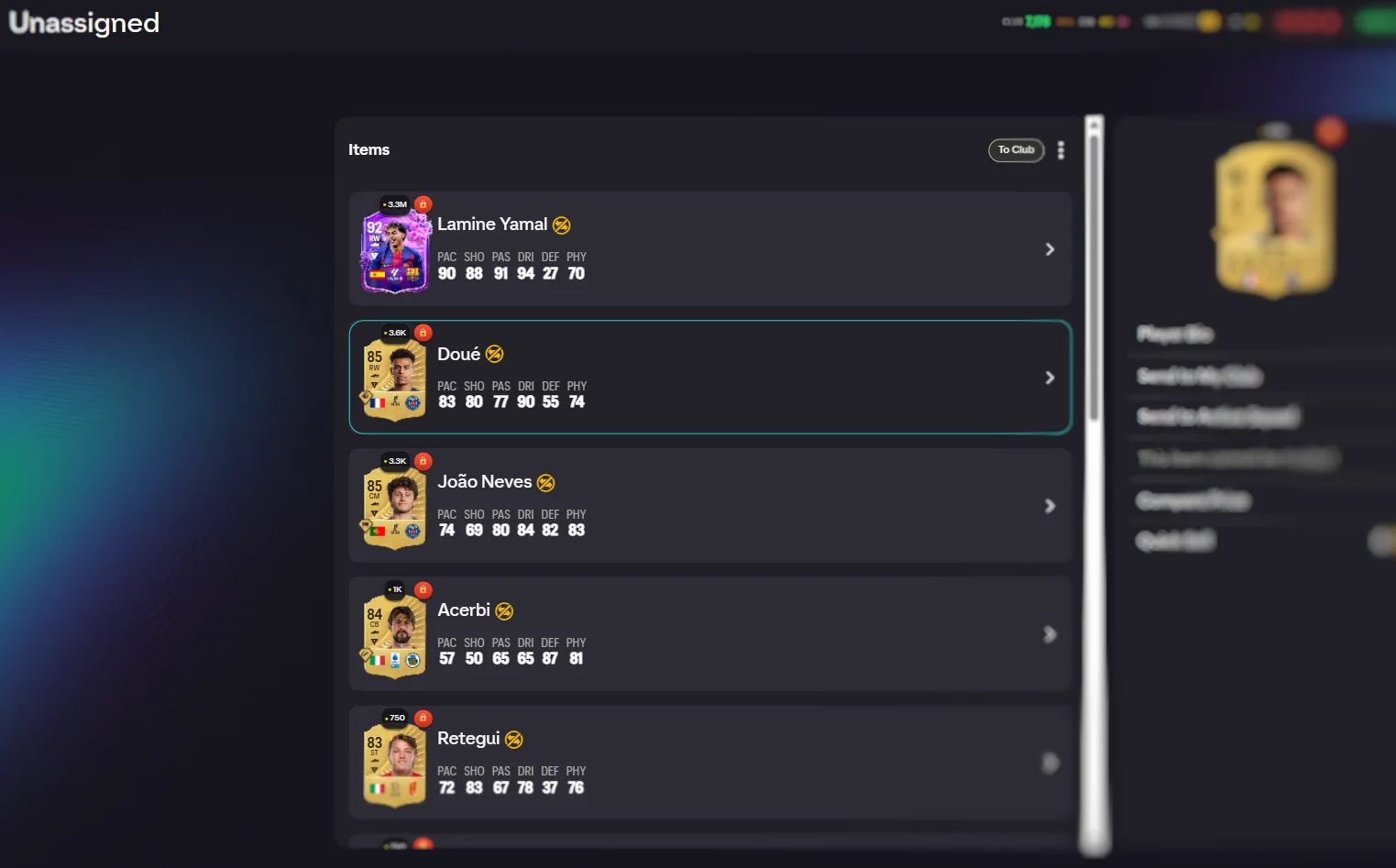
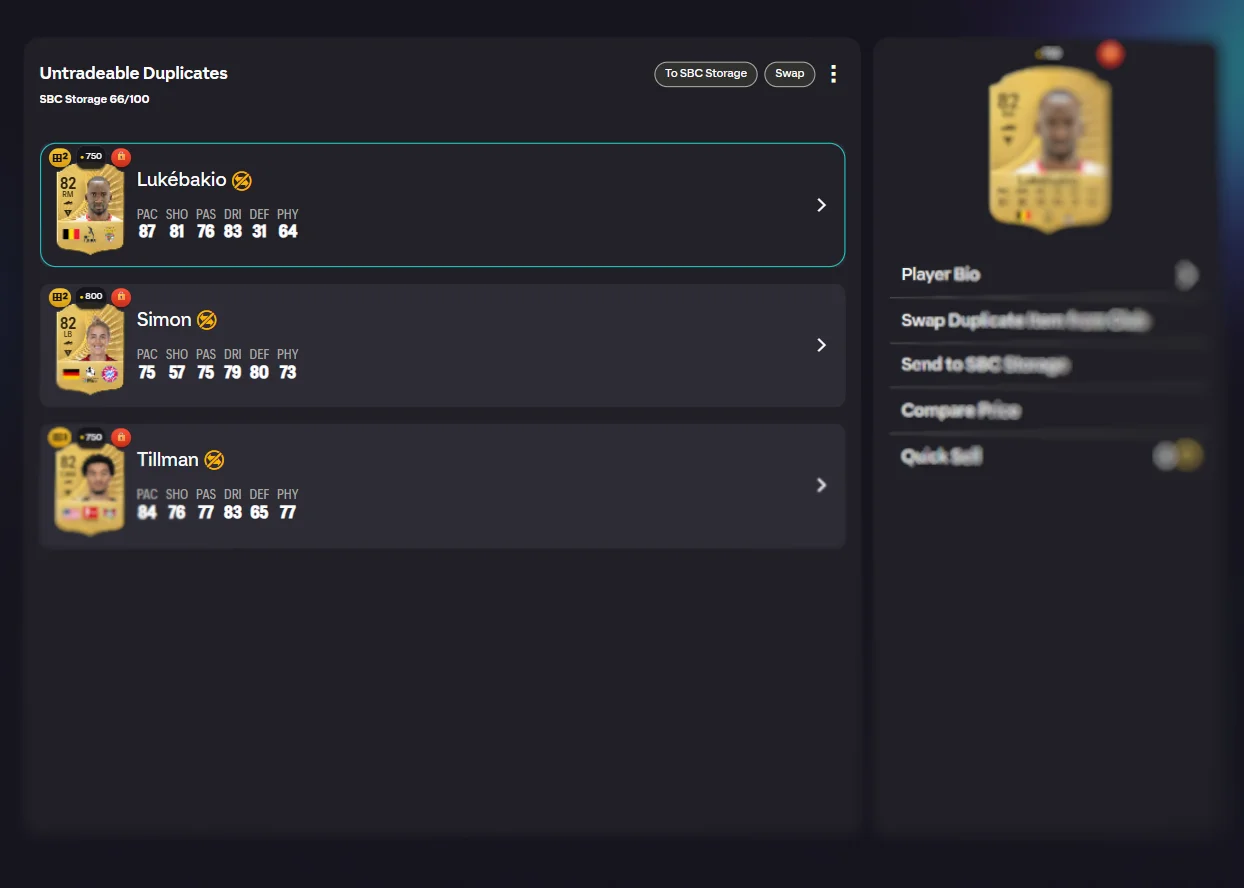
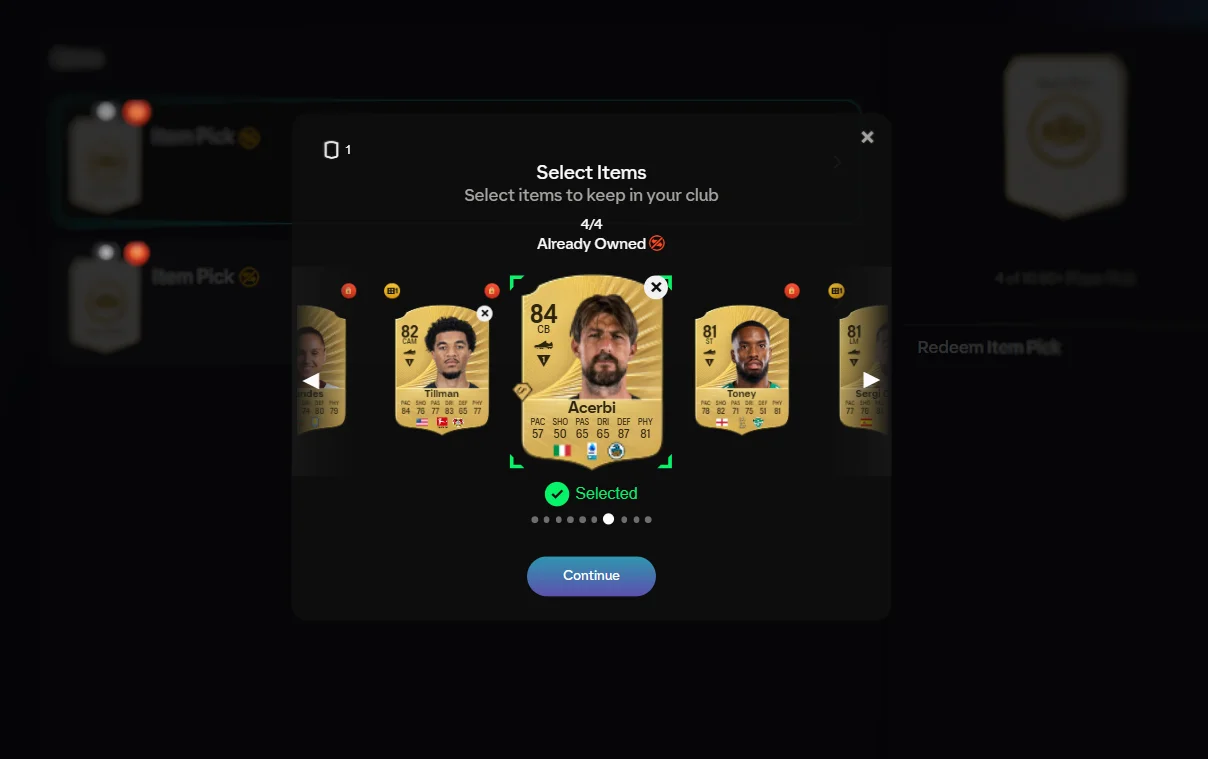
Auto-actions, grouping, redeemed processing, unassigned management.
Open All Packs
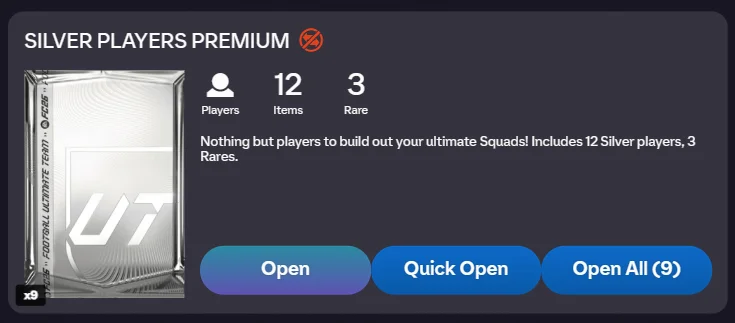
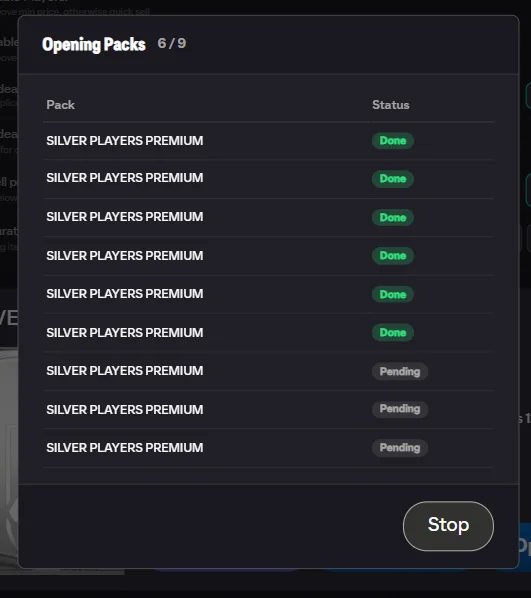
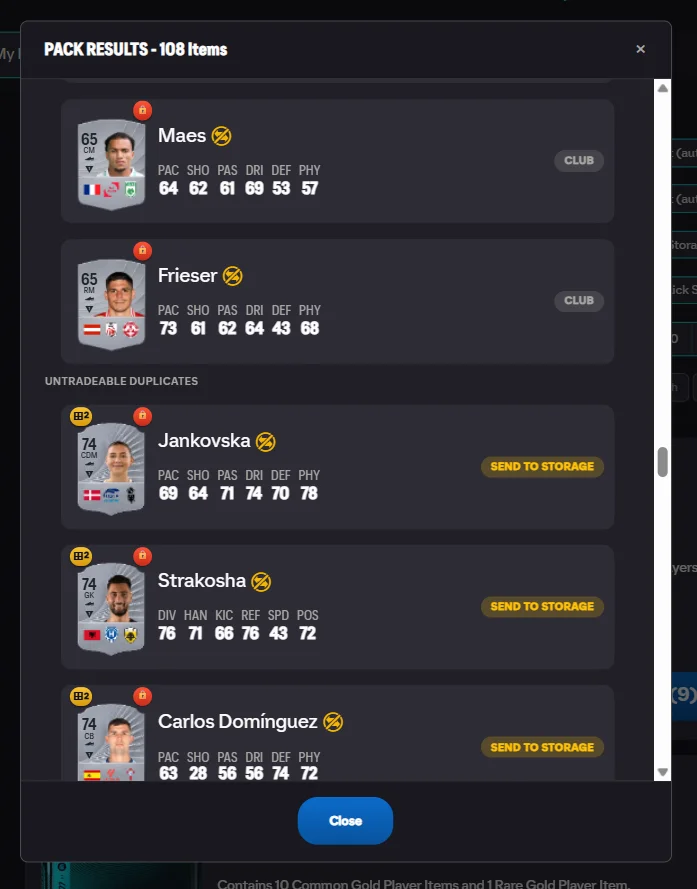
Open your entire stack with live progress and summary.
Advanced Features
Card intelligence and transfer market tools
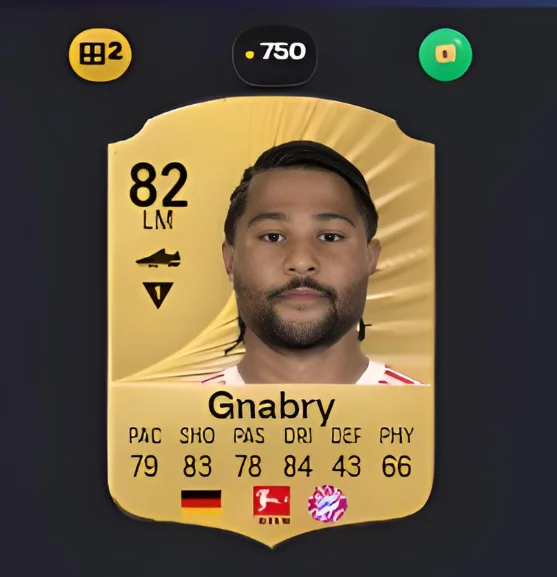
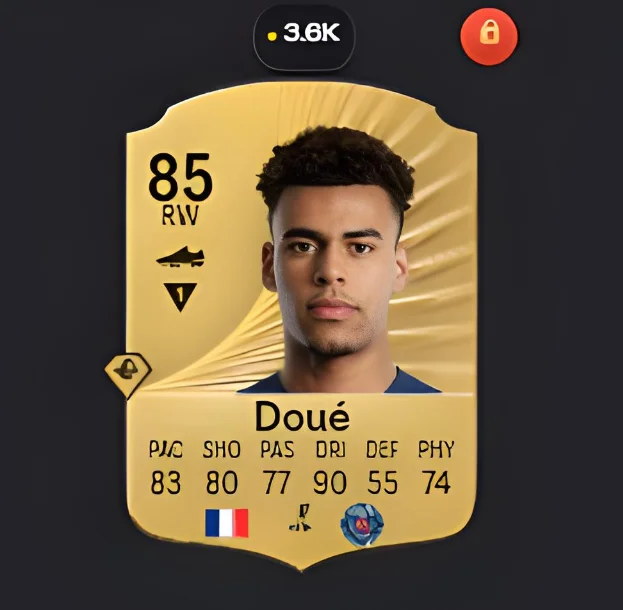
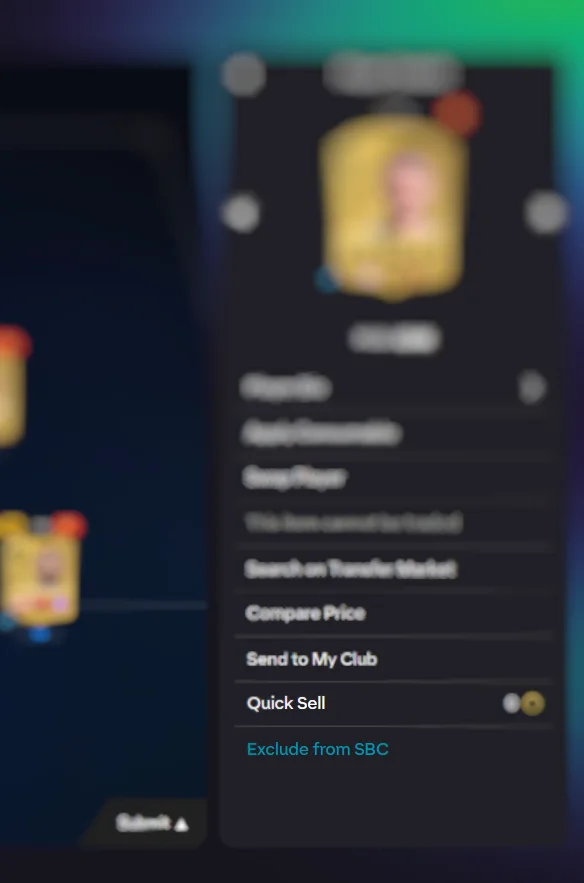
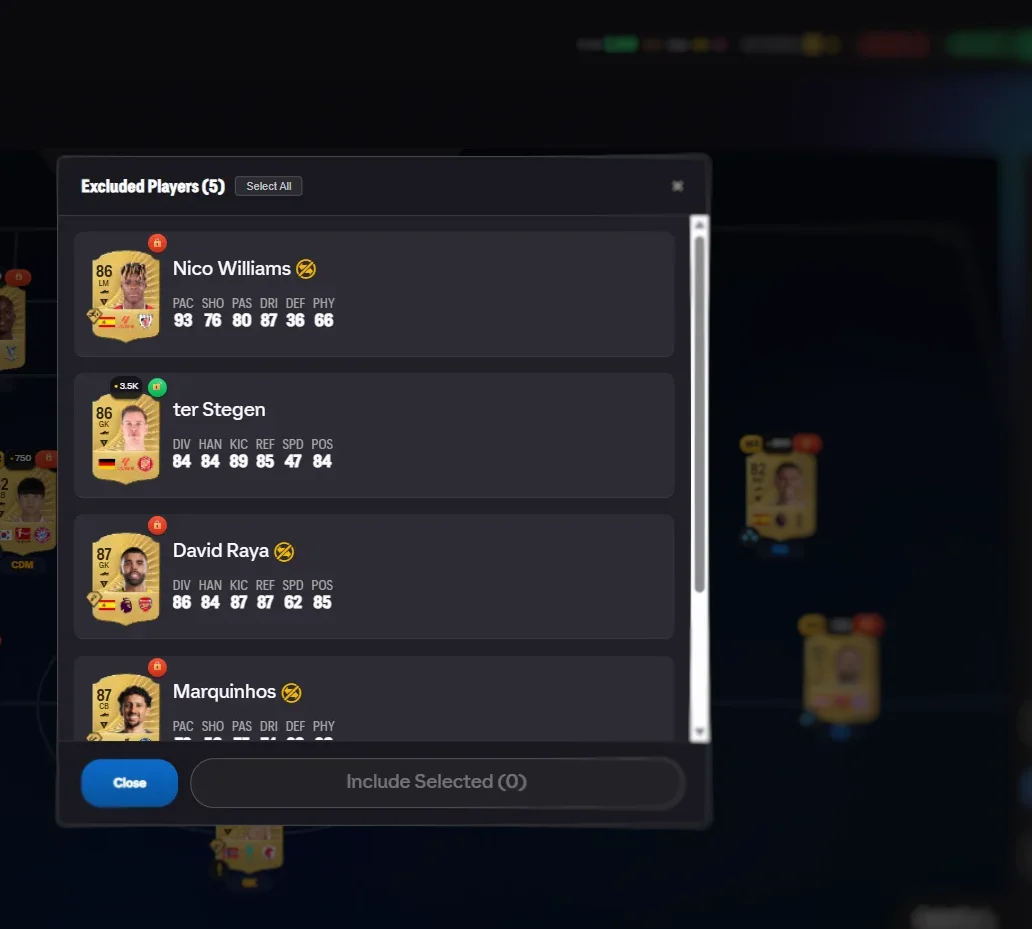
Indicators & Exclusions
Badges on cards, exclude/include players from solving.
Transfer Market Tools
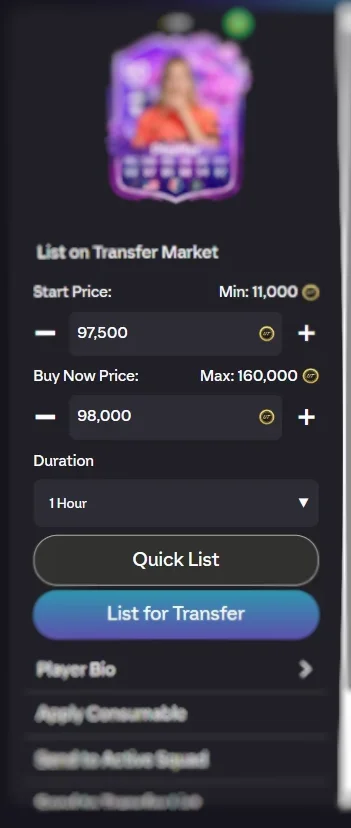
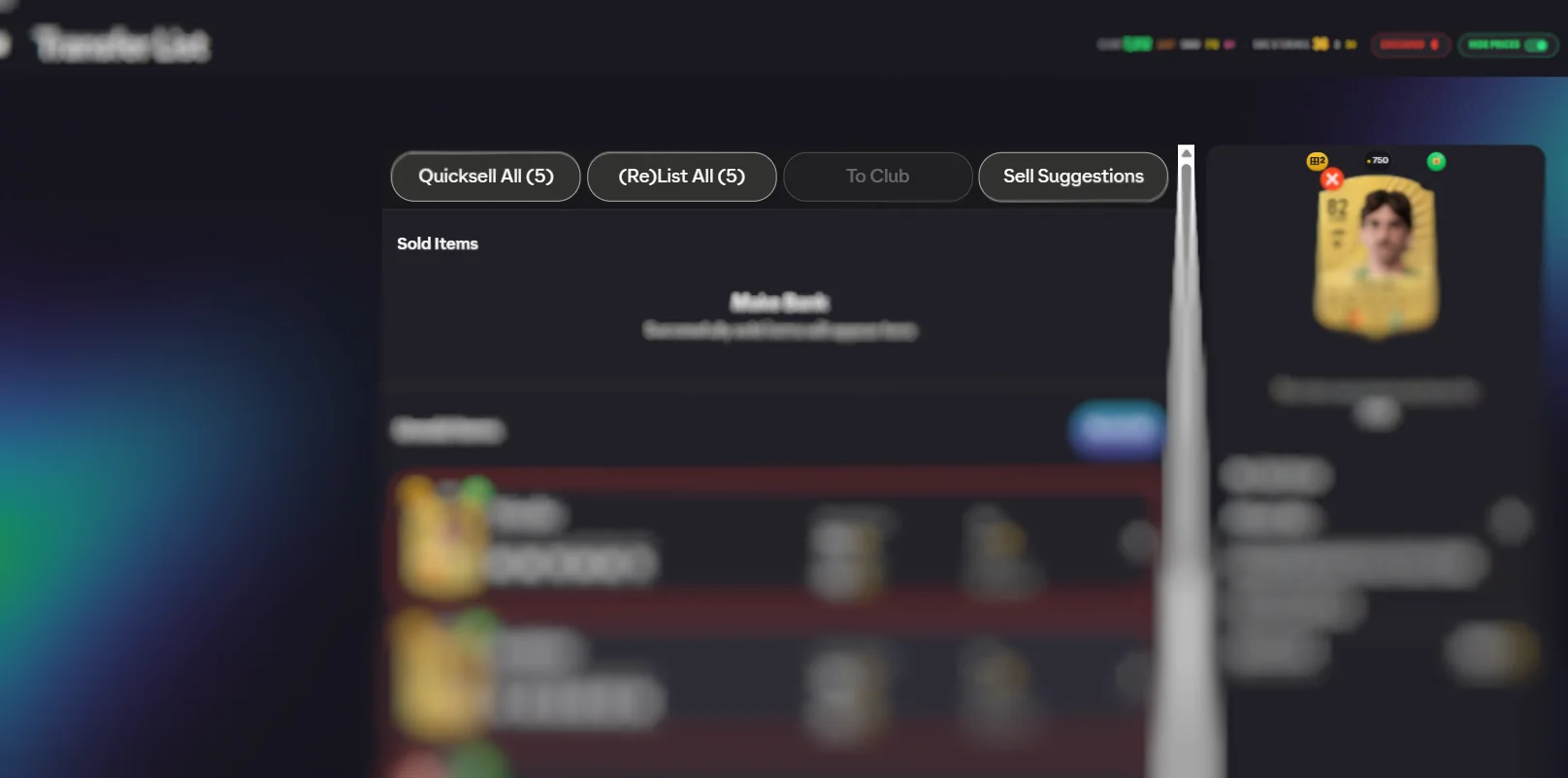
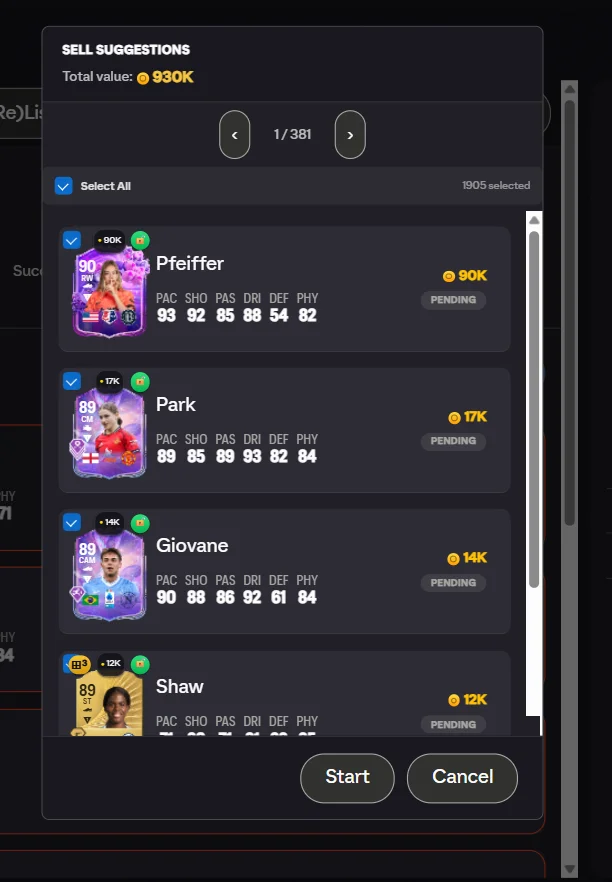
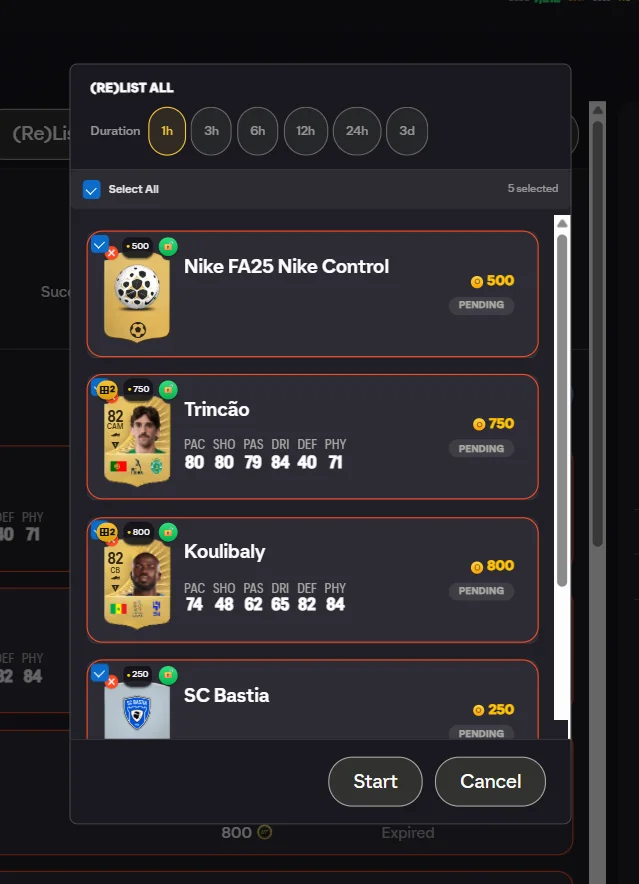
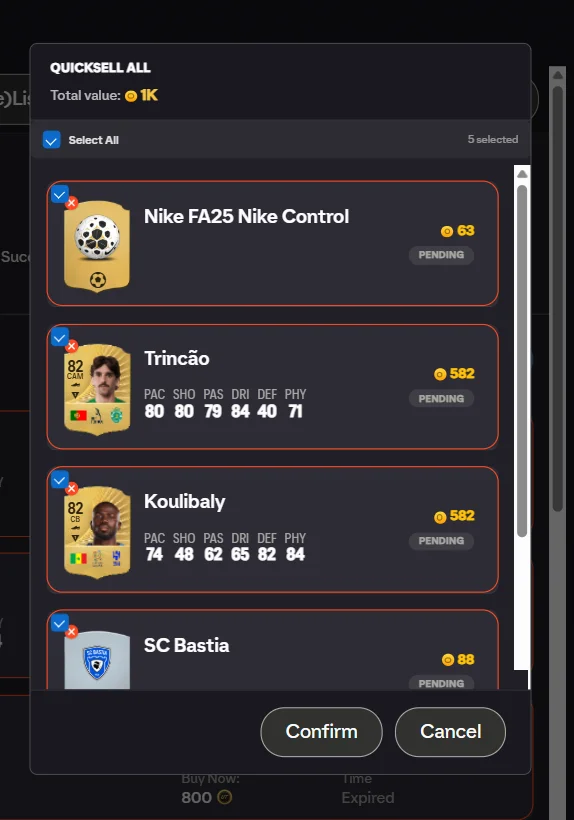
Relist, quicksell, sell suggestions — full transfer list control.
Three steps. That's it.
Install the Extension
Add FC Helper from the Chrome Web Store or Firefox Add-ons. Takes 10 seconds. No account needed.
Open Any SBC
Navigate to any Squad Building Challenge in the EA FC Web App. You'll see the green Find Squad button on the pitch.
Click Find Squad
Open the panel, adjust filters if needed, and hit Find Squad. FC Helper fills the optimal squad in under 3 seconds.
Free vs Premium
The core solver is free forever. Premium unlocks automation and removes limits.
| Feature | Free | Premium |
|---|---|---|
| SBC Solver | ✓50/day | ✓Unlimited |
| Card Indicators (Prices, Dupes, Tradeable) | ✓ | ✓ |
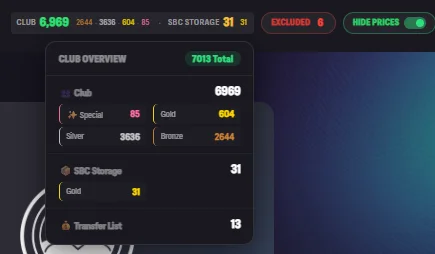
| Club Info Widget | ✓ | ✓ |
| Exclude Players | ✓ | ✓ |
| Market Fallback | ✓ | ✓ |
| Pack Price Display | ✓50/day | ✓Unlimited |
| Pack Auto-Actions | ✓ | ✓ |
| Unassigned Management | ✓ | ✓ |
| 6-Language Support | ✓ | ✓ |
| Mobile Android Firefox | ✓ | ✓ |
| Batch Solve | — | ✓ |
| Set Solve | — | ✓ |
| Repeat Solve | — | ✓ |
| Open All Packs | — | ✓ |
| Transfer List Tools | — | ✓ |
| Quick List | ✓View live price | ✓List at price |
| Market Purchase | — | ✓ |
See it in action
A step-by-step walkthrough of every feature. Click any screenshot to enlarge.
SBC Solver
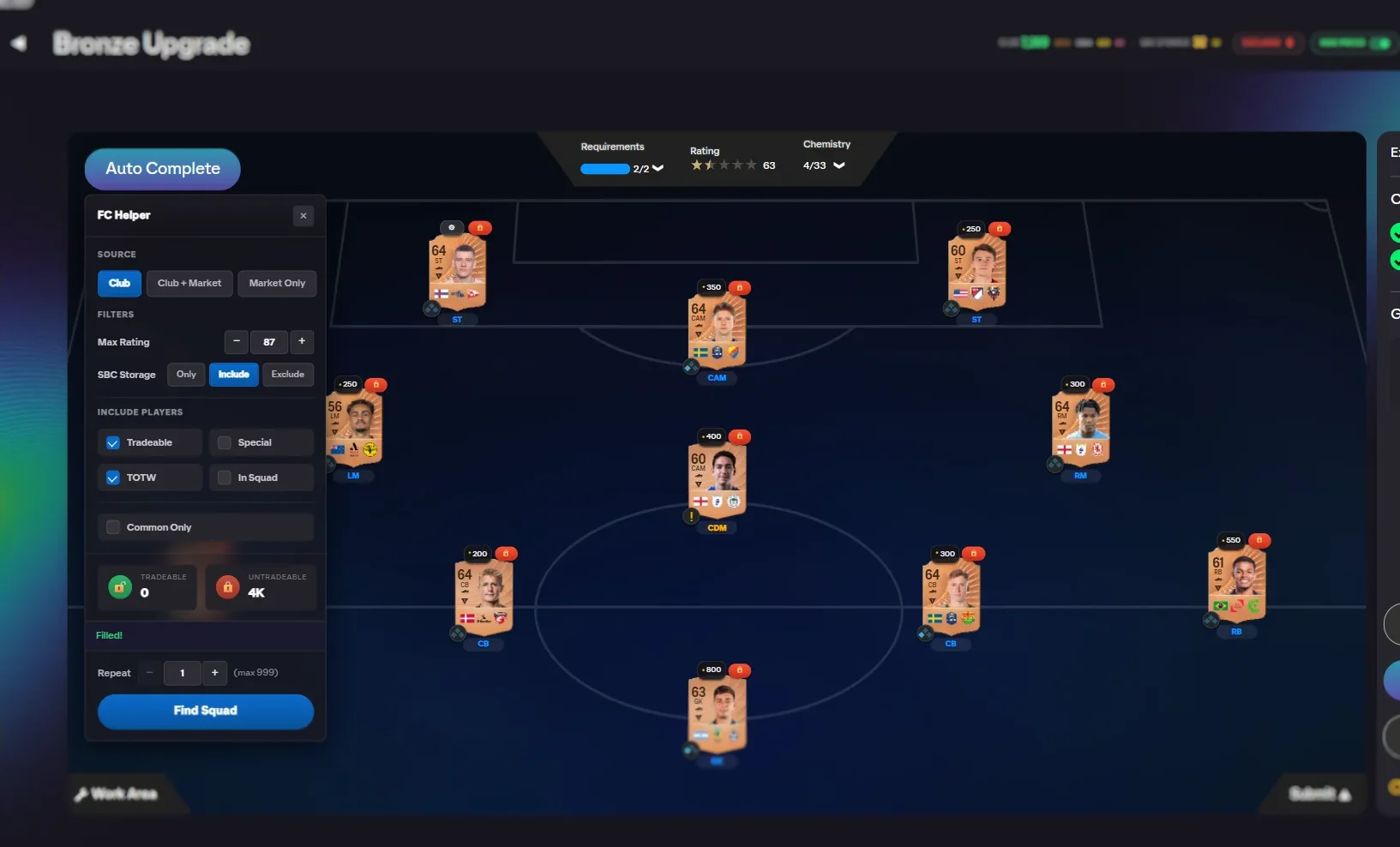
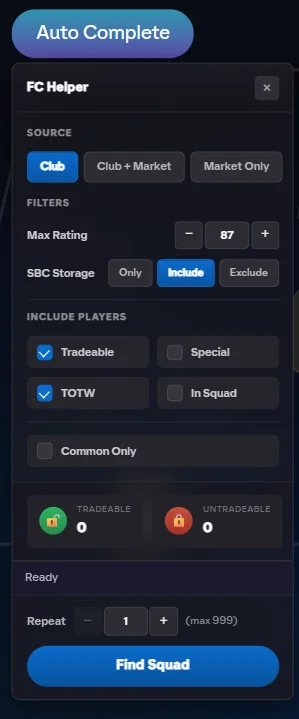
Opens an FC Helper panel on every SBC challenge with source selection, filters, and a one-click Find Squad button that fills the pitch.
Exclude Players
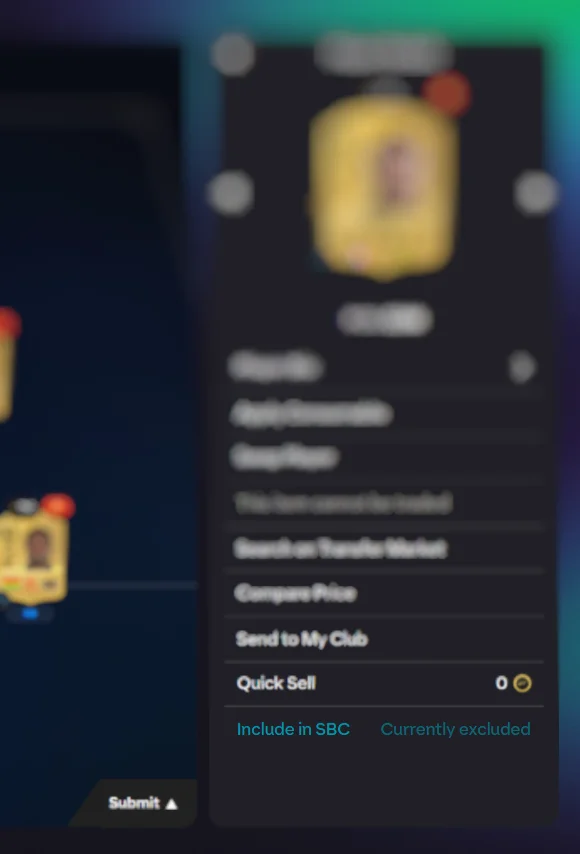
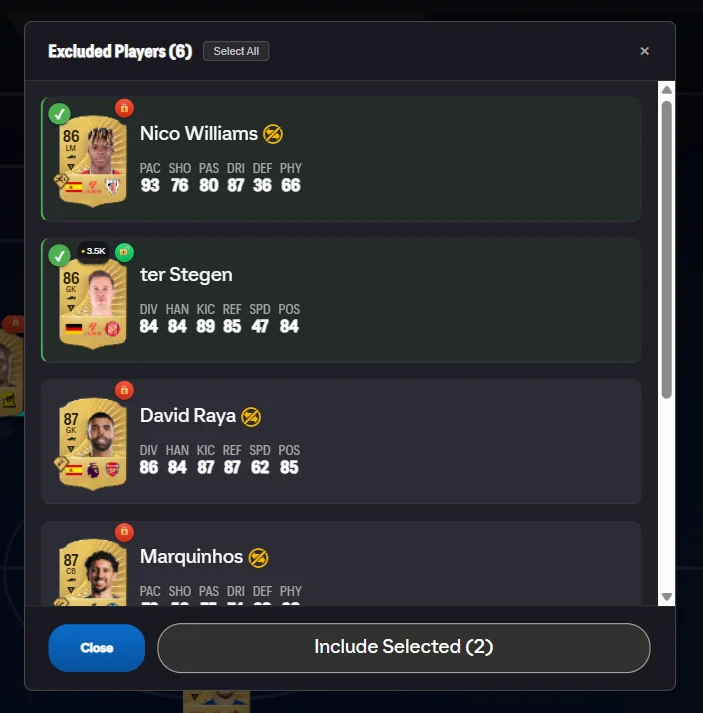
Adds an "Exclude from SBC" link on every player detail and an Excluded Players modal to manage your full list.
Card Indicators
Injects three columns of badges on every player card: duplicate count, market price, and tradeable/untradeable status.
Pack Prices & Auto-Actions
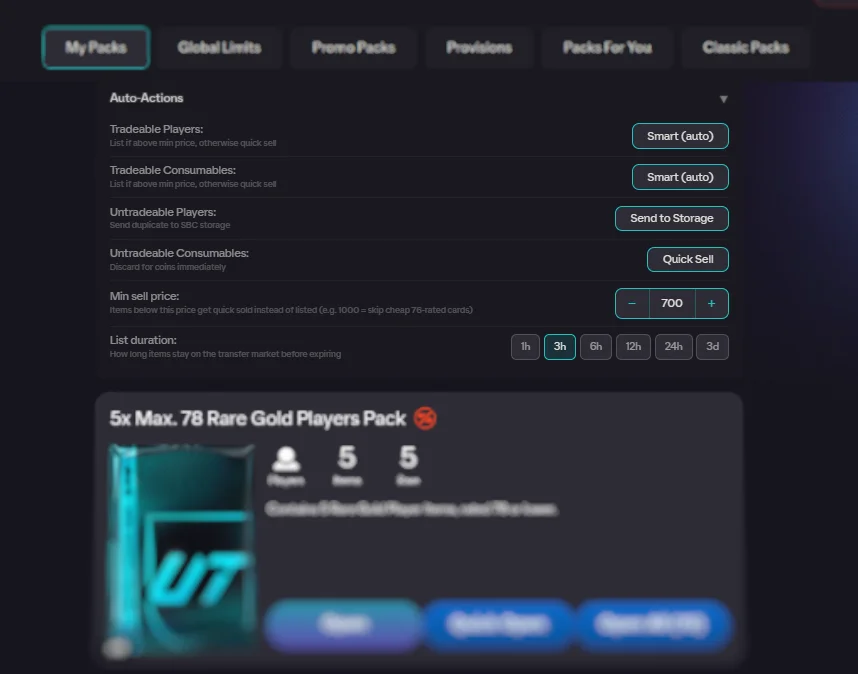
Shows market prices on every card during pack opening and adds an Auto-Actions panel with per-item-type routing rules.
Unassigned Management
Adds section-specific bulk action buttons to the unassigned items page with duplicate detection badges.
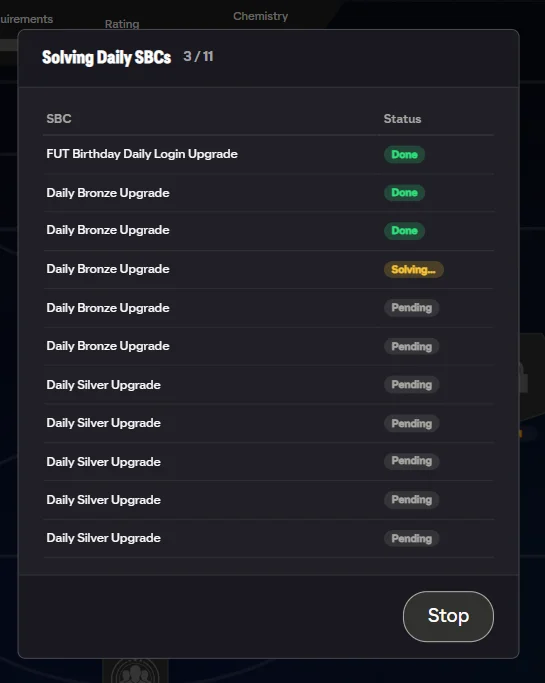
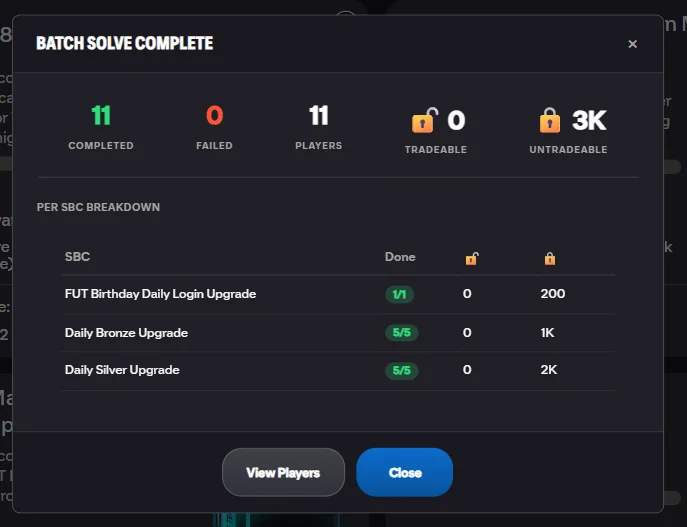
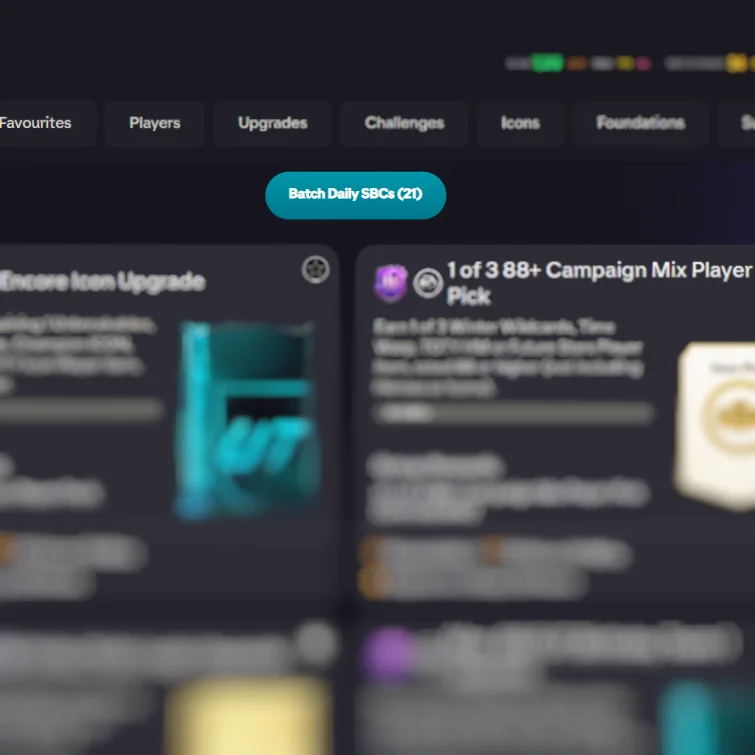
Batch Solve Daily SBCs
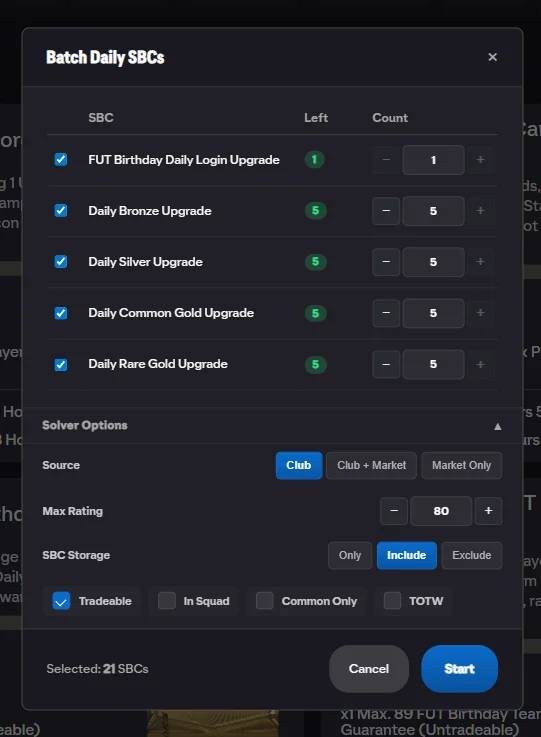
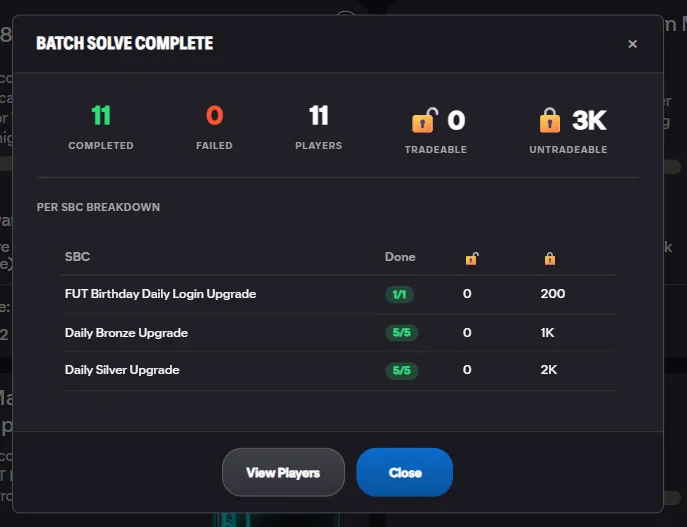
A "Batch Daily SBCs (N)" button on the SBC Hub opens a config modal listing every available daily SBC with checkboxes. Select which to solve, set source/filters/storage options, then start. Each SBC is solved and submitted in sequence with per-SBC status tracking (Pending → Solving... → Done / Failed / Rate limited).
 "Batch Daily" Button
Config Modal
Results Summary
"Batch Daily" Button
Config Modal
Results Summary
Set Solve & Repeat Solve
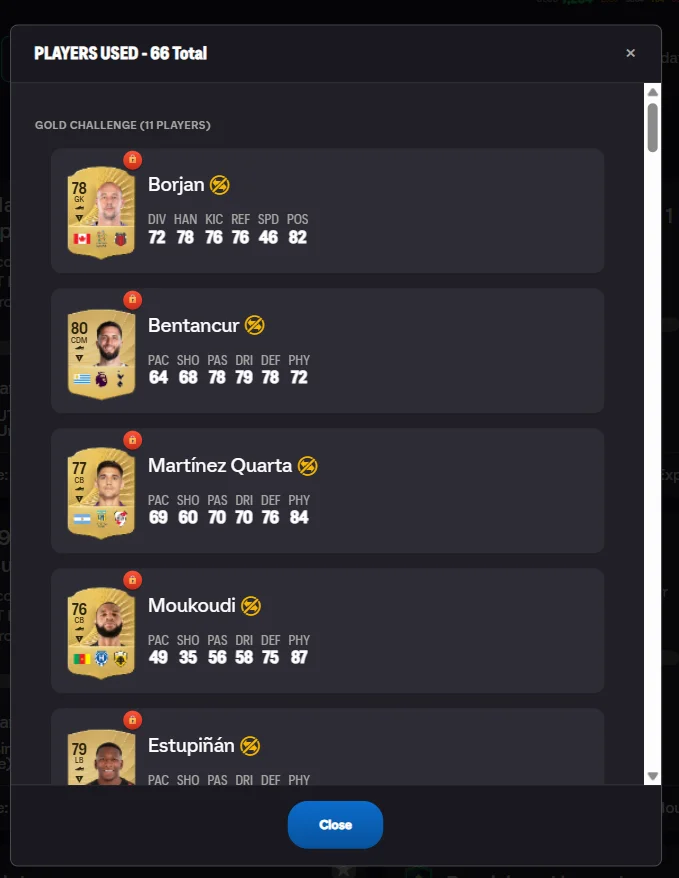
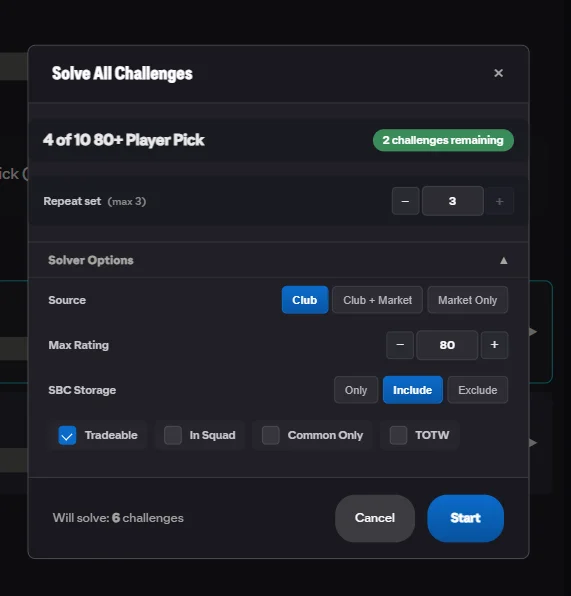
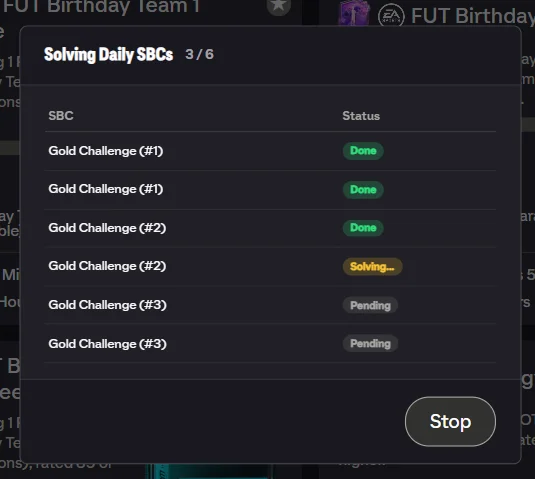
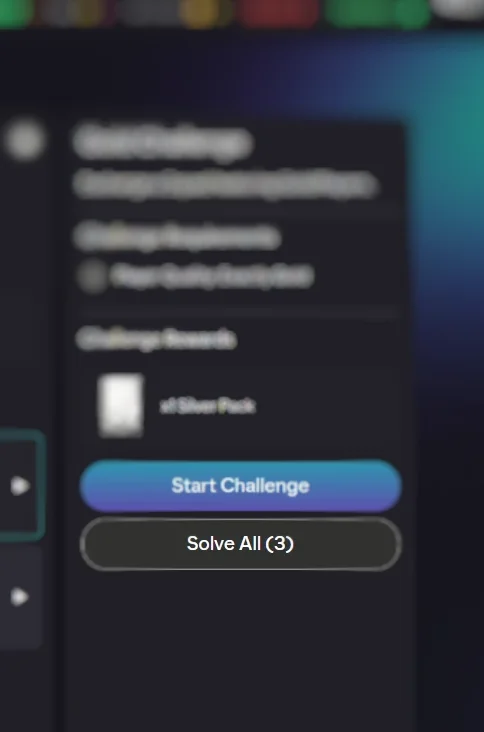
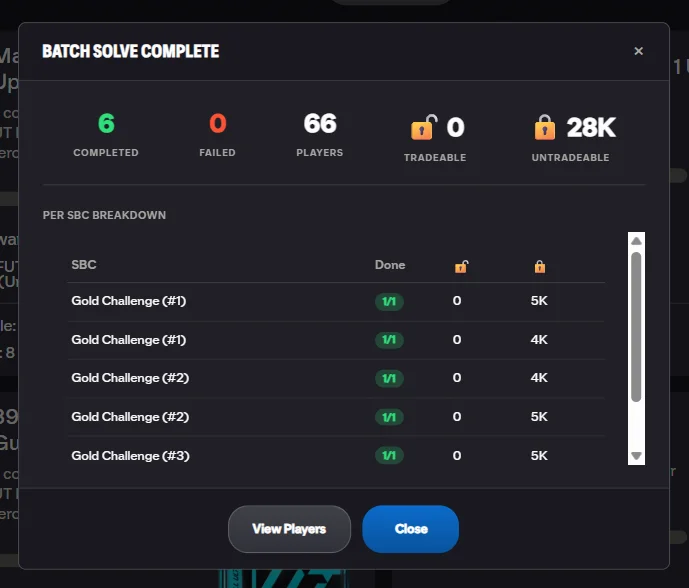
A "Solve All (N)" button on any SBC set page opens the "Solve All Challenges" config modal showing the set name, remaining challenge count, and solver options. For repeatable sets, a "Repeat set" toggle with a solve count stepper appears. The Repeat stepper in the main panel lets you re-solve the same challenge up to the max repeats remaining.
 "Solve All" Button
Config Modal
"Solve All" Button
Config Modal
 Results Summary
Players Used
Results Summary
Players Used
Market Purchase
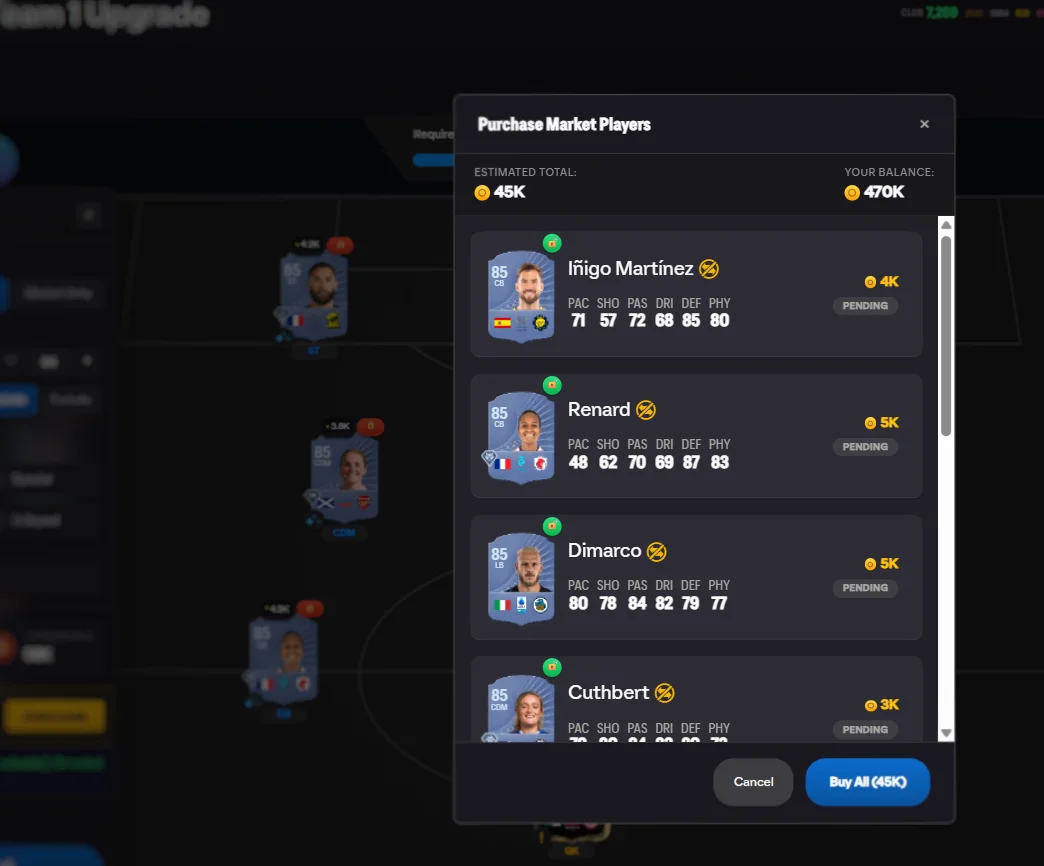
When the solver uses market concept players, a "Purchase" button appears in the panel showing "N player(s) to buy: X coins". Tapping it opens the "Purchase Market Players" modal with each player's estimated price, an "Estimated Total", your "Your Balance", and a "Buy All (N)" button. An "Automated Purchase Warning" modal requires confirmation before buying.
 "Purchase" Button
Open All Packs
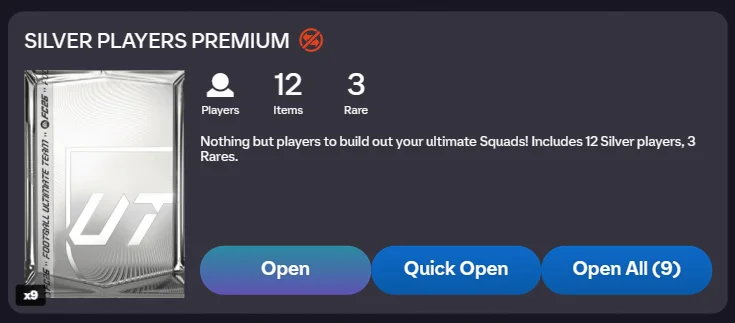
An "Open All" button on the packs page opens the "Opening Packs" progress modal with a counter (e.g. "3 / 12") and per-pack status rows (Pending → Opening... → Done / Failed). Auto-action rules are applied to each item as packs open. Results show a "PACK RESULTS — N Items" summary grouped into sections.
Results Summary
Packs Grouping
Transfer List Tools
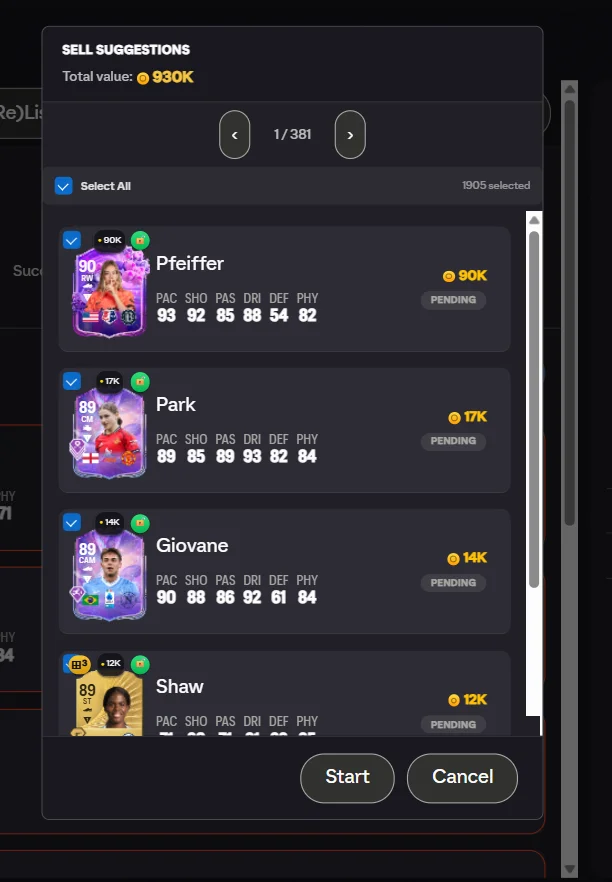
Adds an action bar on the transfer list with four buttons: "Quicksell All (N)" opens a confirmation modal with a "Select All" checkbox, item list, and total discard value. "(Re)List All (N)" opens a modal with a duration picker, estimated prices per item, and a running counter. "To Club (N)" sends unsold items to club. "Sell Suggestions" fetches tradeable club players ranked by dupe status and price.
(Re)List All
Quicksell All
Sell Suggestions
Quick List
A "Quick List" button appears on every tradeable player detail. It fetches the current cheapest BIN from the transfer market and auto-fills the listing form: start price = max(150, market price − 100), BIN = market price. Tap once to list at market price instantly. Shows "Prices set: X / Y" confirmation.
Stay connected
Frequently Asked Questions
How does FC Helper solve SBCs?
FC Helper scans your club, reads the SBC requirements directly from EA's API, and uses a Branch & Bound algorithm to find the cheapest valid squad. It handles chemistry, rating, and all requirement types automatically — no manual tweaking needed. See our step-by-step tutorial.
Is FC Helper free?
Yes. The SBC solver is free with 50 solves per day. Price indicators, duplicate detection, and club stats are completely free with no daily limit. Premium is a one-time purchase that removes the solve cap and unlocks batch automation — it never takes features away from free users.
Does it work on both Chrome and Firefox?
Yes — FC Helper runs on Chrome, Firefox, and even Firefox for Android. It's a single extension that works across all supported browsers with the same features.
Is my EA account data safe?
Absolutely. FC Helper runs 100% locally in your browser — zero data collection, zero tracking, zero analytics. Your club data never leaves your browser and never touches any server. There is no backend, no account system, and no telemetry. Read our full privacy policy.
What does Premium include?
Premium is a one-time purchase for the entire EA FC cycle. It unlocks unlimited solves, batch daily SBC solving, full set solving, repeat solving, pack opening with auto-actions, bulk transfer list management, and Quick List at market price. No subscription, no recurring charges.
Ready to grind smarter?
Install FC Helper free. No account, no tracking, no nonsense.
